 PlotRoom
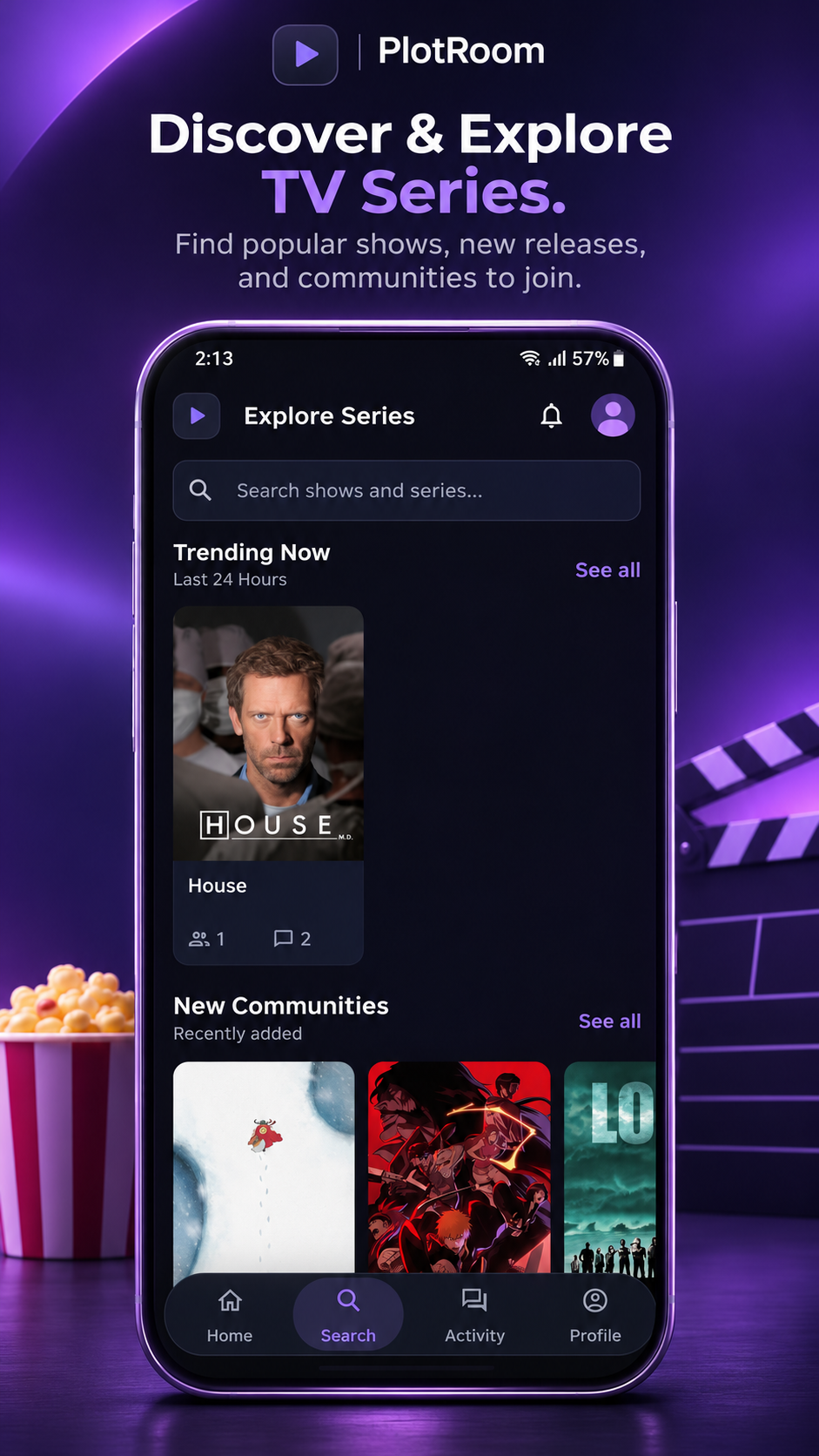
Discover TV Series
Explore shows, seasons, and episodes to find a conversation worth joining.
Made for the discussionGoogle Play Closed Beta
Love watching TV series? Join PlotRoom's closed beta and help us build a better place to discuss every episode without unwanted spoilers.
For supported Android devices. Please stay opted in for at least 14 days and explore the app in your own time.
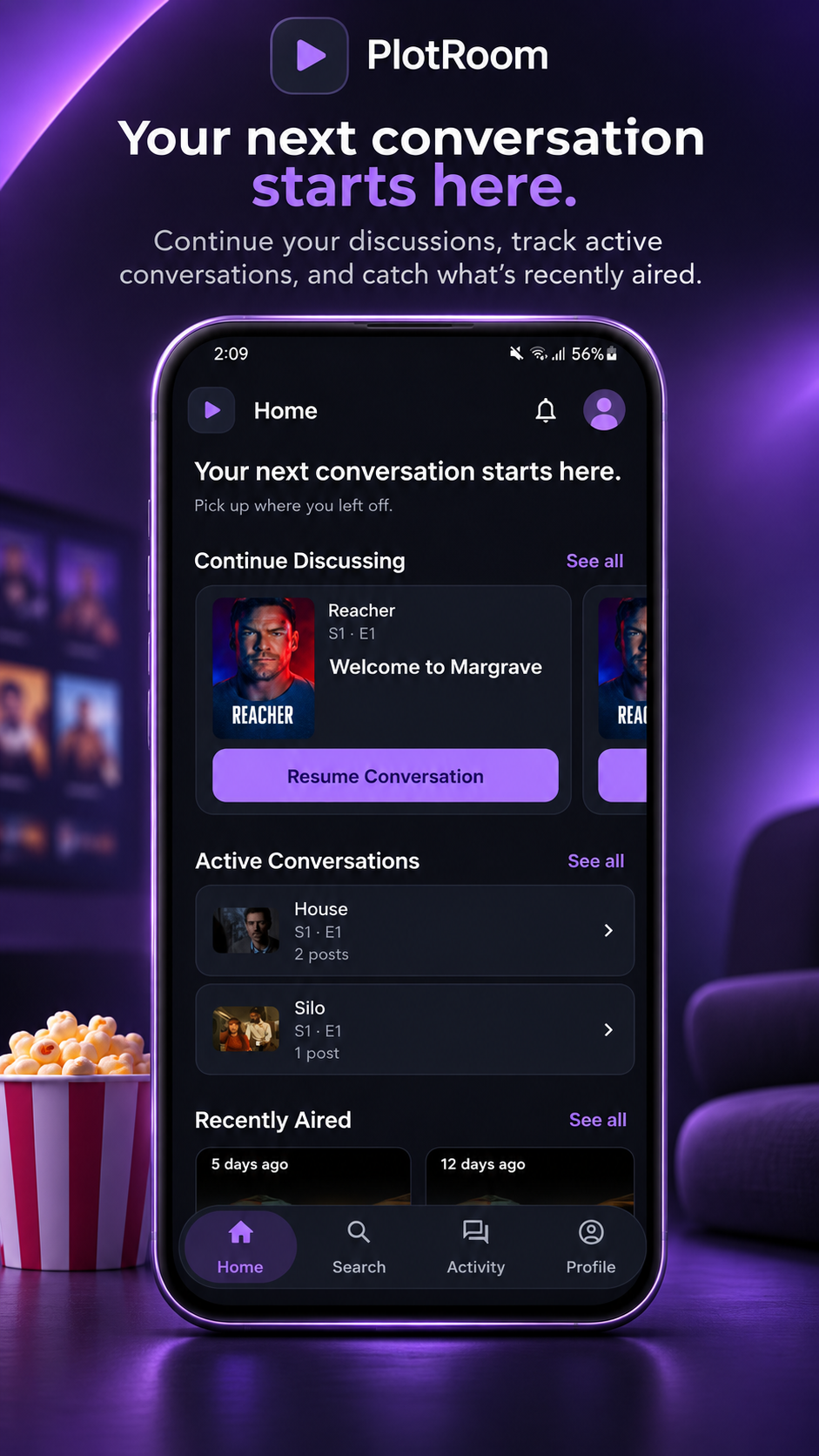
For the moments after the credits
PlotRoom brings TV fans together through episode-specific discussions, allowing them to share theories, react to memorable moments, and control which spoilers they reveal.
Explore shows, seasons, and episodes to find a conversation worth joining.
Made for the discussionTalk about a specific episode in its own discussion, with room for theories and details.
Made for the discussionChoose spoiler preferences and reveal episode discussions when you are ready.
Made for the discussionPost a comment, reply to another viewer, and react to memorable discussions.
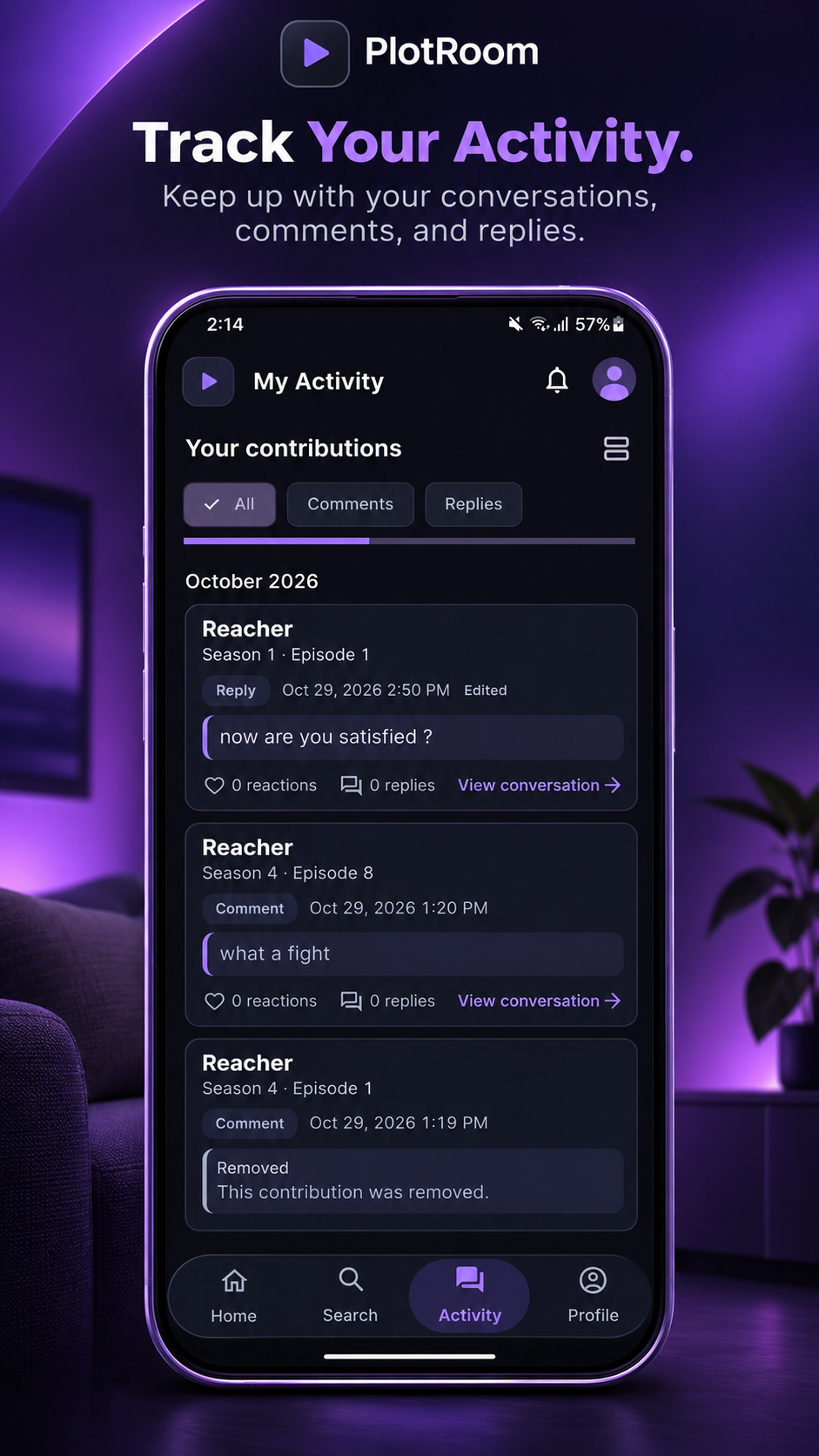
Made for the discussionReturn to your conversations and keep track of your activity.
Made for the discussionYour next episode starts here
Getting started takes just a few minutes. Follow these steps in order to access PlotRoom through Google Play.
One Google account for all three steps. Use the same account to join the group, become a tester, and open Google Play on your Android device.
Join the PlotRoom Beta Testers group using the Google account you use on your Android device. Group membership is the first step to eligibility.
After joining the group, open the official testing page and select “Become a tester” to join PlotRoom's closed-testing program.
Once you've joined the group and opted in, install PlotRoom from Google Play. Register in the app and find your first episode discussion.
Can't install yet? Check the Google account selected in each service. Eligibility changes can take time to appear. If you are still enrolled in an internal test, leave that test before joining the closed beta. Ask for help if access remains unavailable.
The app, at a glance
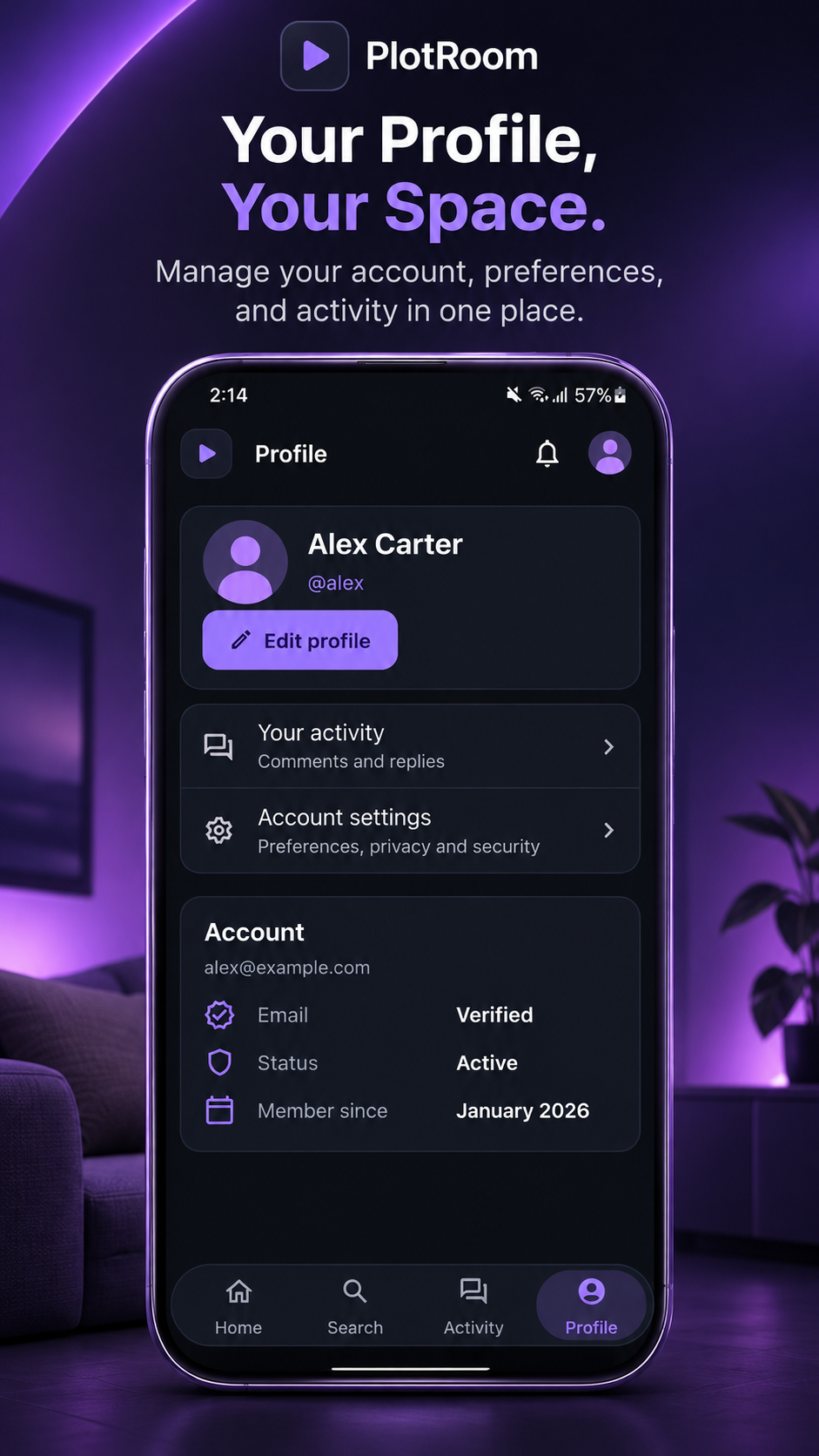
Explore Home, discover TV series, follow your activity, and make your profile your own. Select any image to view it full size.
Built with your perspective
Help us improve PlotRoom by sharing bugs, suggestions, and anything that feels confusing while using the app.
Helpful details include your device model, app version, feature tested, expected result, and steps to reproduce the problem. Please remove personal details from any screenshots you share.
Never send passwords, verification codes, or authentication tokens.
Send FeedbackOr email ali.shaaban2002@gmail.com directly.
A few things to know
There is no in-app purchase or subscription step in the current beta. Google Play will display any applicable installation price before you install.
The PlotRoom Beta Testers group controls eligibility for this closed-testing track. Join it first, then opt in on Google Play with the same Google account.
Complete group membership and testing opt-in before opening the store listing. Check that all three services use the same account. Eligibility updates can take time, and your device and region must be supported.
We ask testers to remain opted in for at least 14 days, explore the main features over that time, and send useful feedback. There is no daily check-in requirement on this website.
The current beta is distributed through Google Play for supported Android devices. There is no iPhone or web-app beta offered through this page.
Try Google and email sign-in, TV series search, episode discussions, replies, reactions, spoiler controls, activity, and account settings. Report confusing behavior as well as bugs.
Use the Send Feedback email link above or write to ali.shaaban2002@gmail.com . Include reproducible steps and avoid private information.
PlotRoom is still being tested. We cannot guarantee account or data continuity, or automatic access to a future public release. Review the Privacy Policy and Terms of Service linked below before participating.